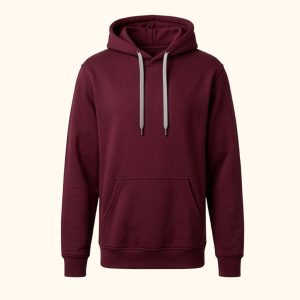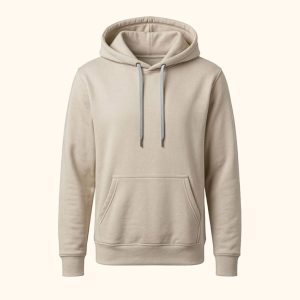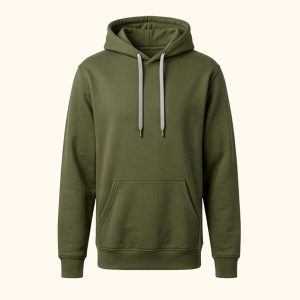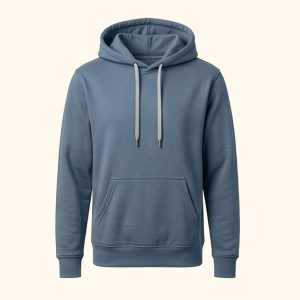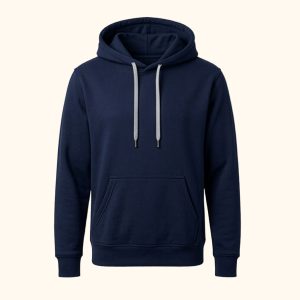
Hoodie - Deep Navy
79,00€
Open product page
Live WooCommerce demo
See how separate WooCommerce products can behave like native variation swatches while keeping independent URLs, images and SEO content.
Interactive live demo
These are real WooCommerce products. Open any product page to see linked swatches, hover previews and separate product URLs in context.
Swatch behaviours
Use real product photos as swatches for colors, fabrics or finishes.
Link separate wood, fabric or finish products while keeping unique URLs.
Let every shade keep its own product content, images and SEO target.
Connect capacities, finishes or models without flattening every option into one variable product.
Shortcode
The real shortcode implemented by the plugin is [lpswc]. No shortcode attributes are currently implemented.
[lpswc]
<?php echo do_shortcode('[lpswc]'); ?>
None. Use the admin settings for mode, position, style and compatibility.
Features
Connect simple WooCommerce products together.
Each swatch can open a separate product page.
Use product photos, custom icons or colors.
Automatic category mode or manual linked mode.
Works with normal products, prices and stock.
Touch devices navigate directly.
Focused output without extra product systems.
Control size, radius, spacing and selected state.
FAQ
Yes. The plugin is designed to connect separate WooCommerce products and display them as swatches.
Yes. Each linked product keeps its own product URL, images, title and SEO content.
Yes. Use automatic WooCommerce hook placement or the real shortcode [lpswc] in builder layouts.
Yes. Swatches can use product images, uploaded icons or generated color images.
Yes. Hover previews are skipped on touch devices so taps navigate directly to the linked product.
Yes. Important variations can become indexable WooCommerce product pages instead of hidden attributes.
Next step
Start with the product demo, then use the documentation for setup details.